How to add an MX entry in cPanel
Setting a custom MX entry is useful if you want your email handled by another server, or if you want to setup a backup email server. This demo assumes you’ve already logged into cPanel, and are starting on the home screen. Now let’s learn how to add an MX...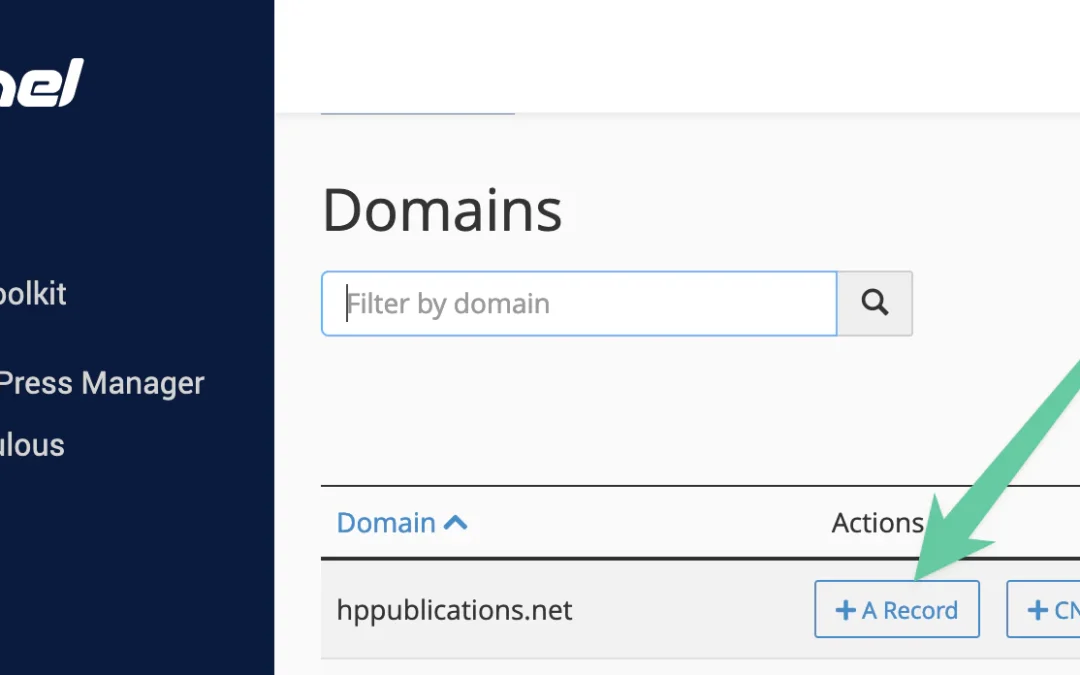
How to add an A record with the DNS Zone Editor in cPanel
DNS (Domain Name System) records are used to map domain names to IP addresses. They are used by web servers to locate the servers that host the websites. DNS records can be created in the domain registrar account or in the hosting control panel. In this guide, we will...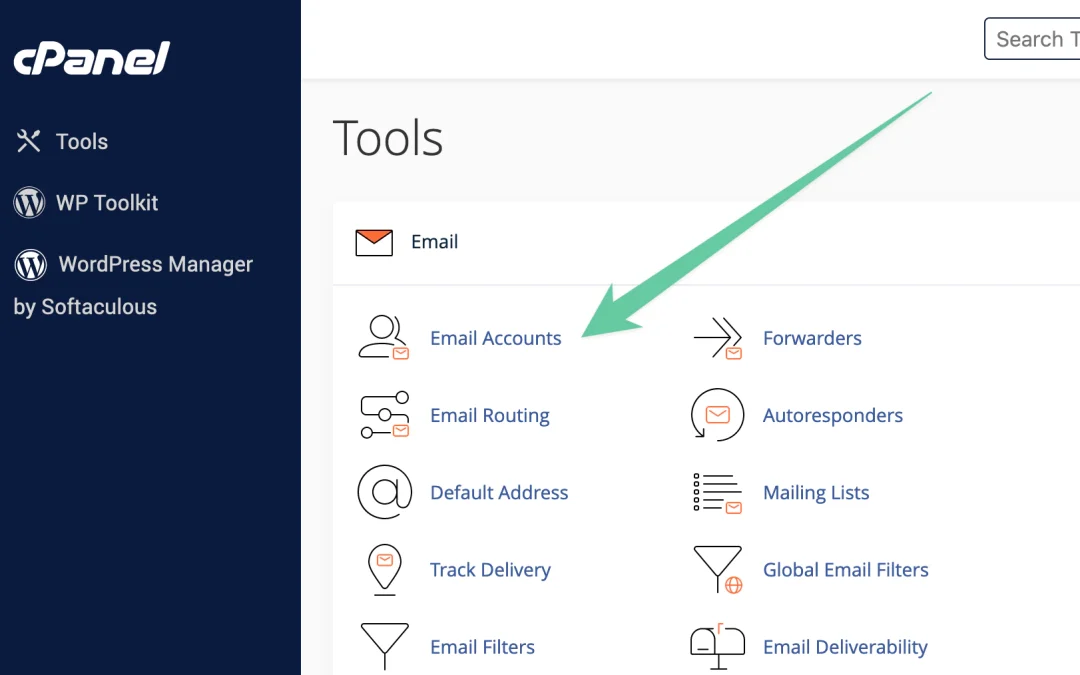
How to use webmail from within cPanel
This demo assumes you’ve already logged into cPanel, and are starting on the home screen. Now let’s learn how to use webmail to access our email from within cPanel. Click the Email Accounts icon. To access webmail for the main account, you would use this...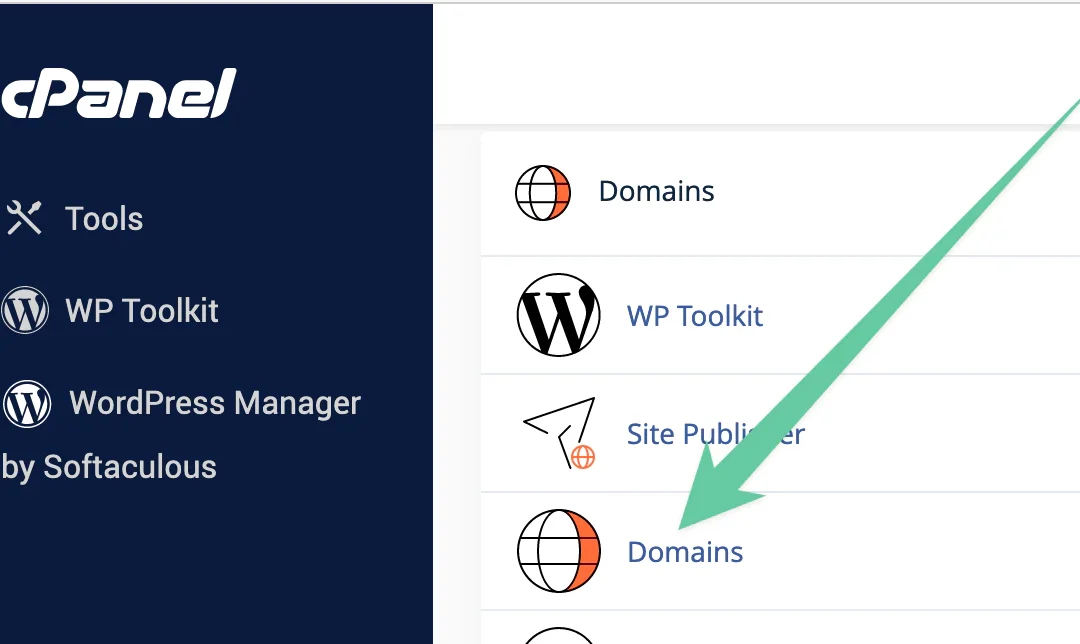
How to create a domain alias in cPanel
There are times when you might want to have different urls that go to the same website or different email addresses that go to the same email inbox. You do that by creating a domain alias. This demo assumes you’ve already logged into cPanel, and are starting on...